
PMU Tips (46)--How to Start the Mini Diva at 2V and How to switch regular mode and dot mode
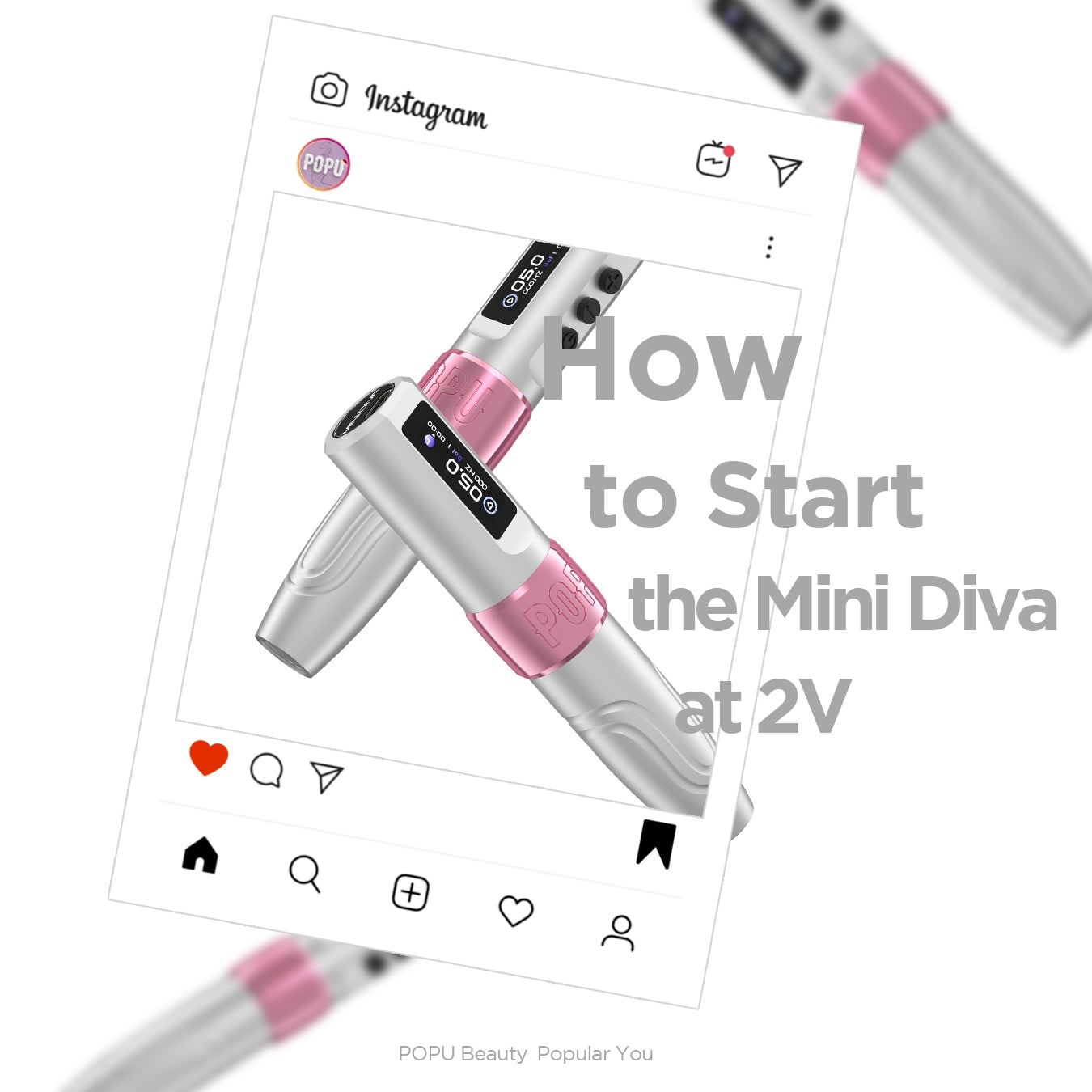
1. How to Start the Mini Diva at 2V?
The Mini Diva is a machine that can truly start and operate at a 2V voltage. It can easily handle light needles and also keep heavy needles stable while running at 2V.
Here’s how to do it:
For light needles:
Simply double-click the power button to start in strong mode.
For heavy needles:
① Double-click to start in strong mode.
② Gently rotate the handpiece.
If you're interested in how it works, here’s the principle behind it:
Rotating the handpiece increases the movement range of the control slider, allowing for a longer power buildup process. This results in greater machine force, providing more power to the needle so that even heavy needles can run smoothly.
2. How to switch between regular mode and dot mode?
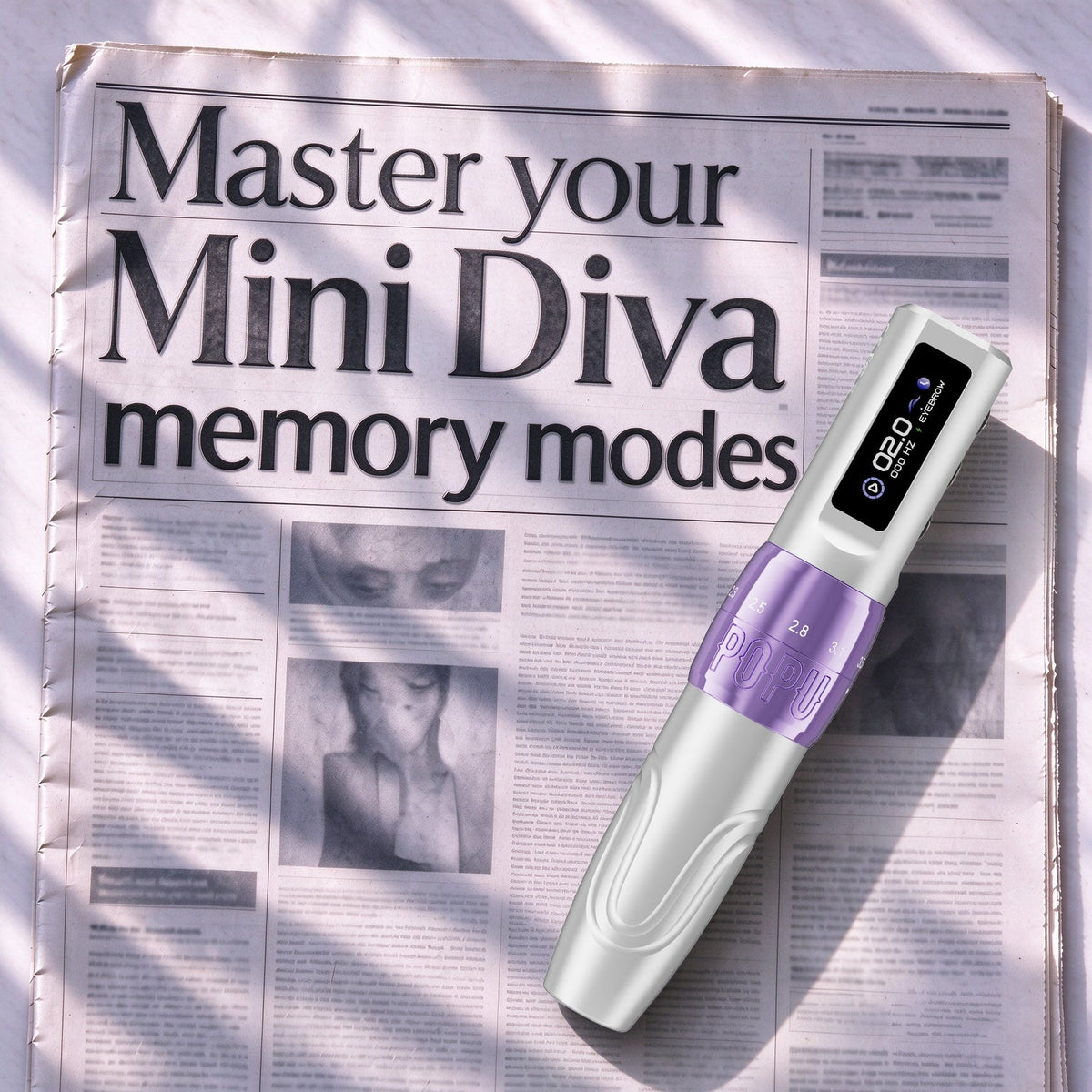
For Mini Diva, we all know that pressing the power button once will either start or stop the machine. But what happens if you double-click the button? It switches between the regular mode and the dot mode.
So, if you accidentally activate the tap mode, simply double-click the power button while the machine is on to switch back to regular mode—and vice versa.
Comments