
PMU Tips(67)--How to use Memory Modes on the Mini Diva Series?
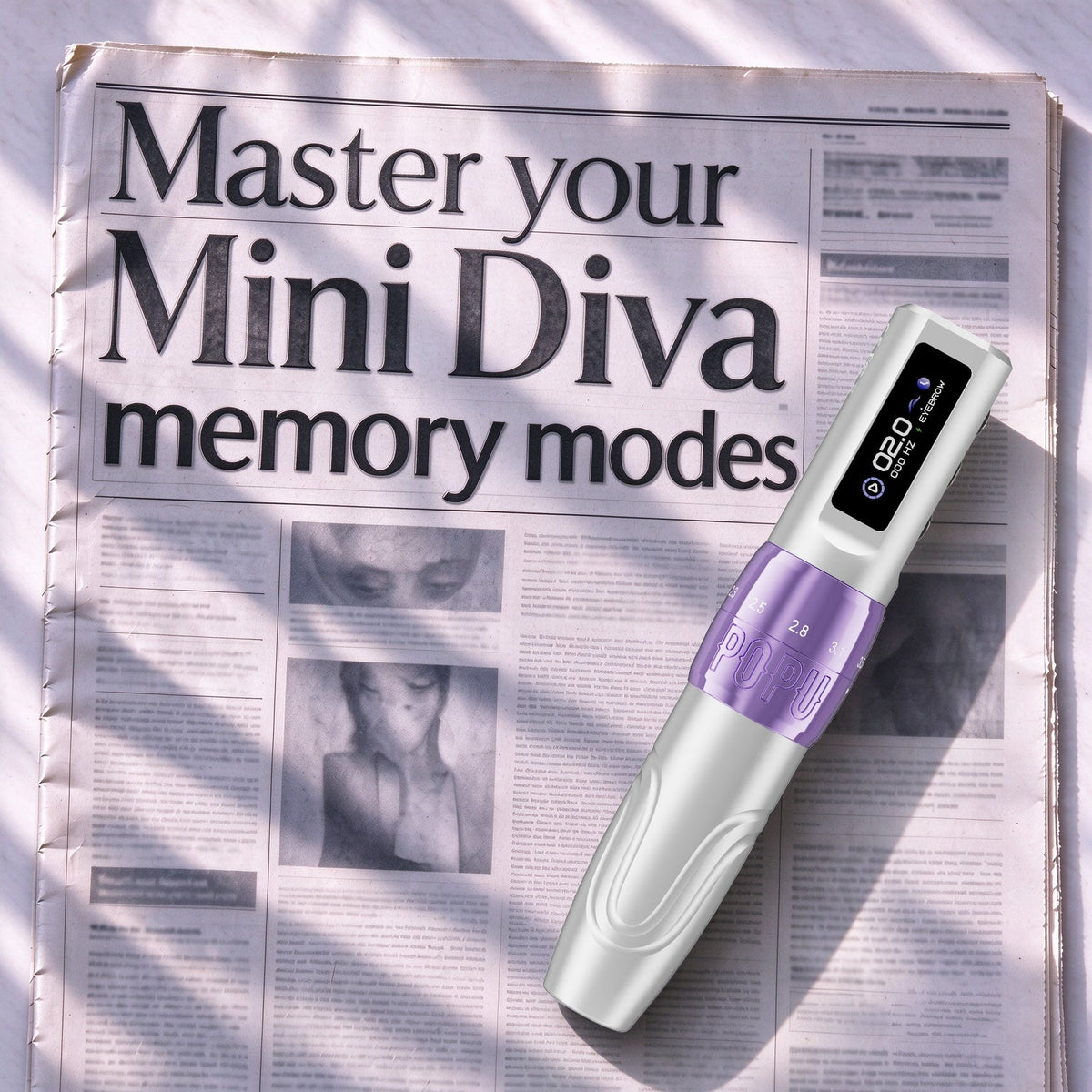
Every Mini Diva — the 3.0mm, the 3.5mm, and Mini Diva Pro — comes with two memory modes that store voltage settings.The memory modes are EYEBROW and LIPS. After you select a mode and adjust the voltage, the machine will remember the voltage you set, and switching between a brow session and a lip session only requires a single tap. Memory holds voltage only. Nothing else can be record.
Setting up your two modes
Do not save a voltage you have not tested. First work on practice skin, find the voltage that fits you well. Then save it:
That is the whole setup: two tested voltages in two modes. Stroke is not part of this — see below.
What the memory modes don't do
They save voltage and nothing else. Stroke is not saved: on the Pro you set it on the dial (2.5–3.0mm for brows and 3.2–3.5mm for lips is a common setup), and on the 3.0mm and 3.5mm it is fixed. Needle depth, cartridge, and hand speed are not saved either — you choose them for each client.
The memory modes keep your two most-used settings ready with one press.
FAQ
Do the memory modes save stroke length?
No — they save voltage only. On the Mini Diva Pro, you set stroke on the dial. On the 3.0mm and 3.5mm models the stroke is fixed.
Can I use the two modes for something other than brow and lip?
Yes. Brow and lip are only a suggestion. You can save any two voltage settings you use often.
Which Mini Diva machines have memory modes?
All three — the 3.0mm, the 3.5mm, and the Pro. The feature works the same way on all three machines.

Comments